Install as a Rancher Apps & Marketplace
Run Longhorn on Kubernetes with Rancher 2.x
One benefit of installing Longhorn through Rancher Apps & Marketplace is that Rancher provides authentication to the Longhorn UI.
If there is a new version of Longhorn available, you will see an Upgrade Available sign on the Apps & Marketplace page. You can click Upgrade button to upgrade Longhorn manager. See more about upgrade here.
Prerequisites
Each node in the Kubernetes cluster where Longhorn is installed must fulfill these requirements.
This script can be used to check the Longhorn environment for potential issues.
Installation
Note:
- For Kubernetes < v1.25, if your cluster still enables Pod Security Policy admission controller, set
Other Settings > Pod Security Policytotrueto installlonghorn-pspPodSecurityPolicy resource which allows privileged Longhorn pods to start.
- Optional: If Rancher version is 2.5.9 or before, we recommend creating a new project for Longhorn, for example,
Storage. - Navigate to the cluster where you will install Longhorn.
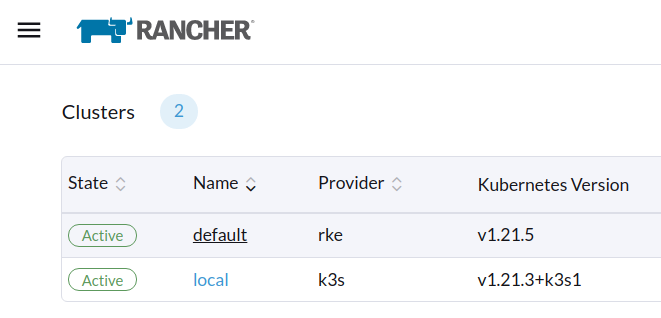
- Navigate to the
Apps & Marketplacepage.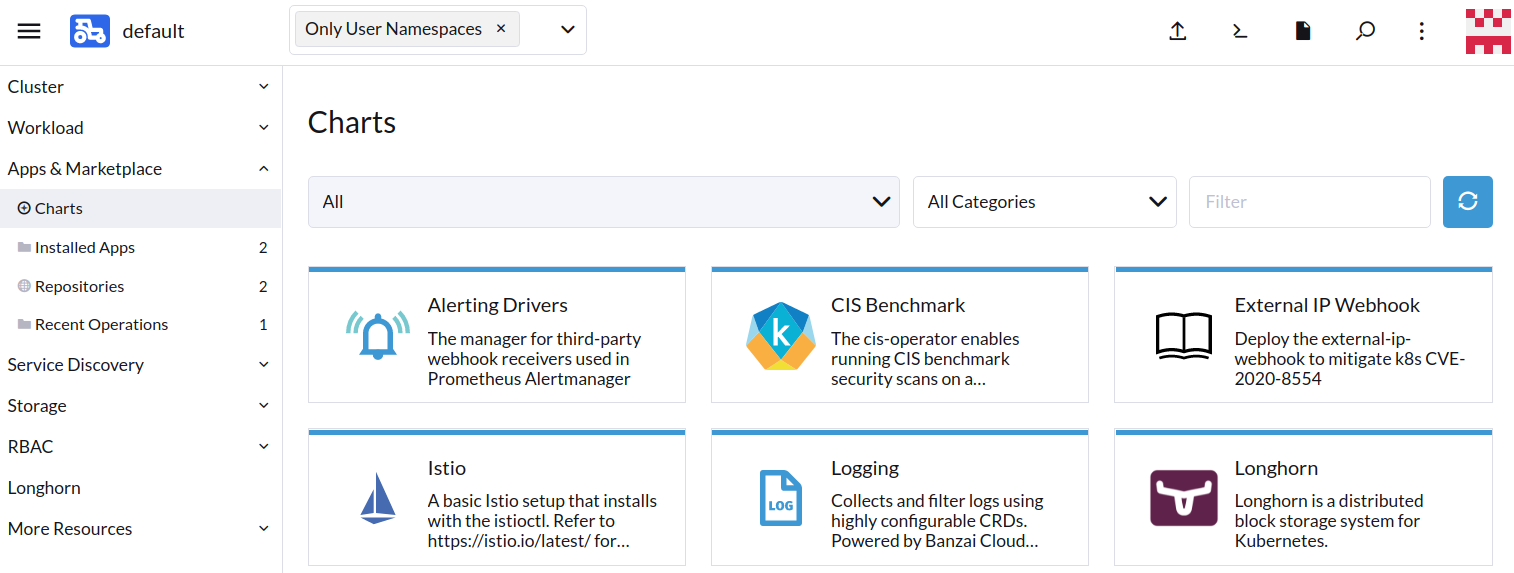
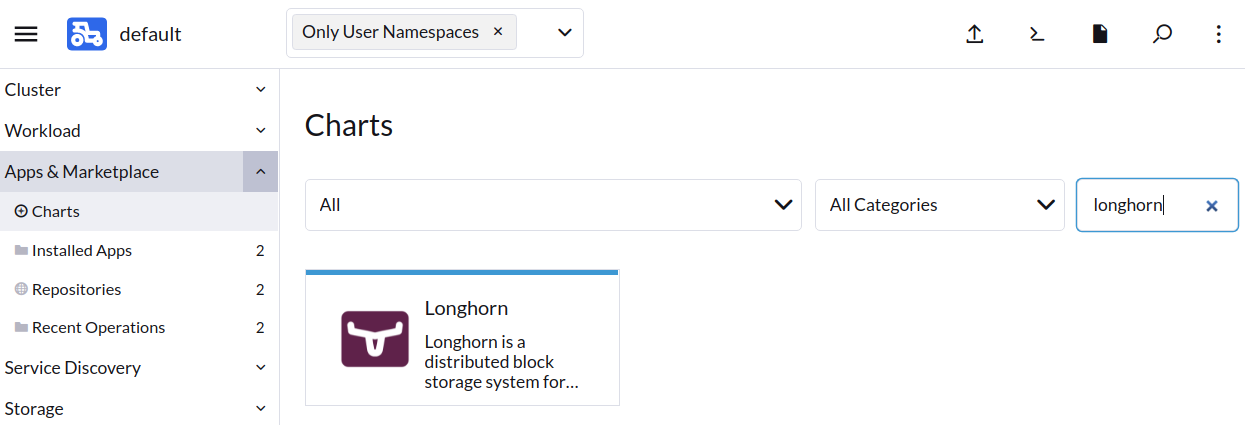
- Find the Longhorn item in the charts and click it.
- Click Install.
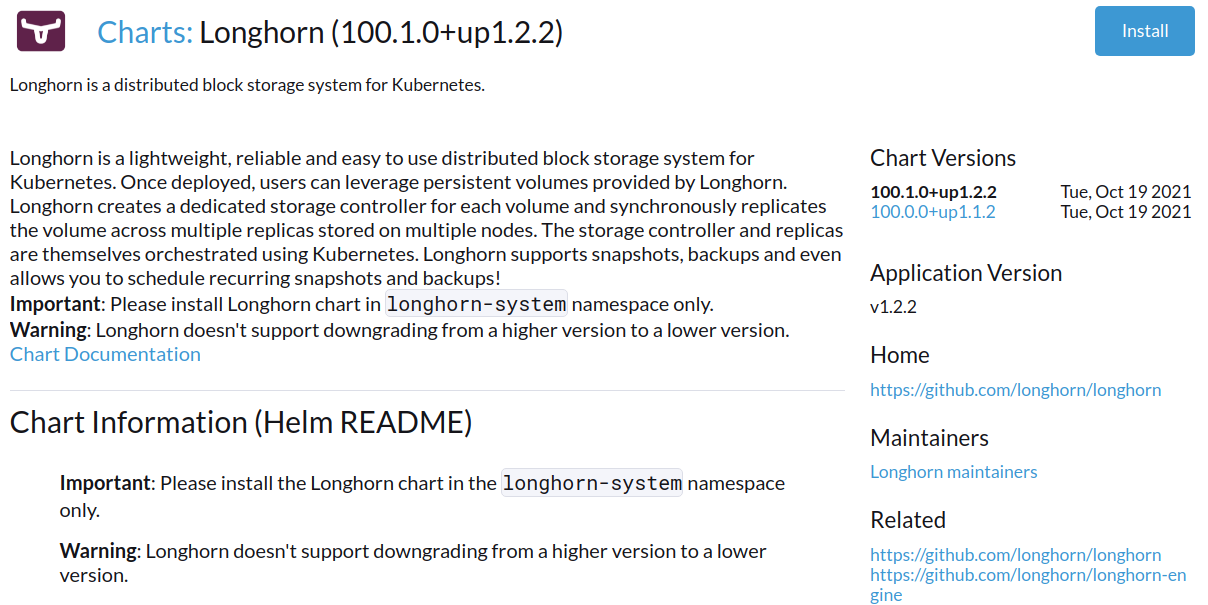
- Optional: Select the project where you want to install Longhorn.
- Optional: Customize the default settings.
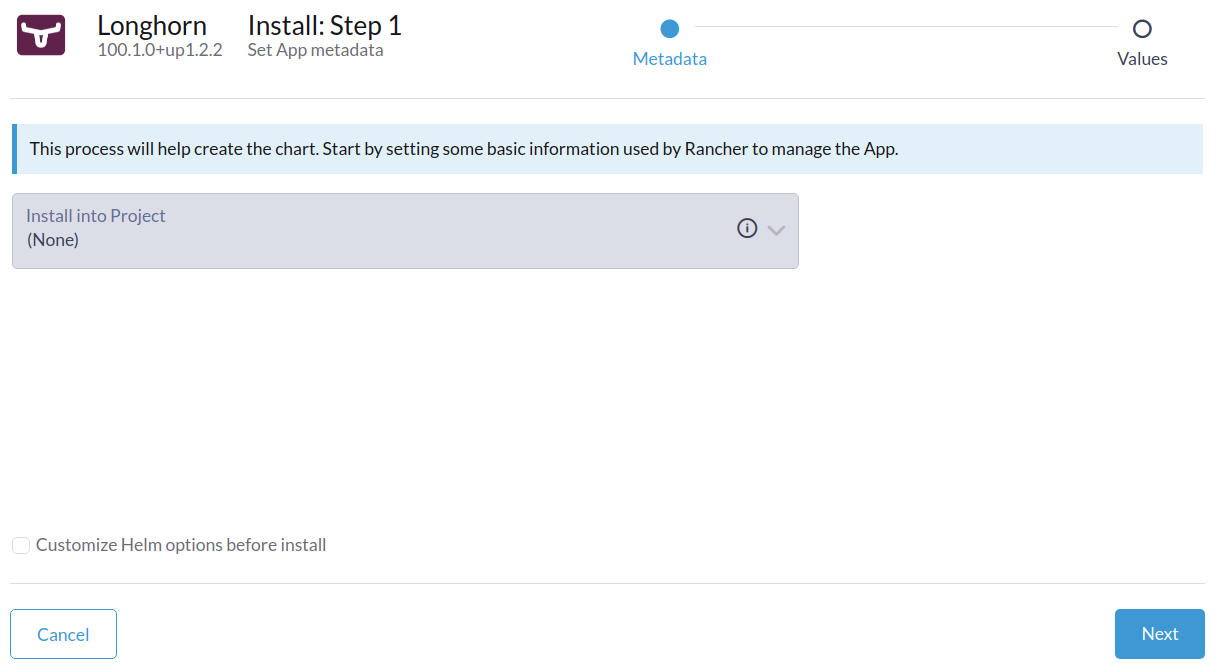
- Click Next. Longhorn will be installed in the longhorn-system namespace.

- Click the Longhorn App Icon to navigate to the Longhorn dashboard.

After Longhorn has been successfully installed, you can access the Longhorn UI by navigating to the Longhorn option from Rancher left panel.
Copyright © 2019-2026 Longhorn a Series of LF Projects, LLC. Documentation Distributed under CC-BY-4.0.
The Linux Foundation has registered trademarks and uses trademarks. For a list of trademarks of The Linux Foundation, please see our Trademark Usage page.
For website terms of use, trademark policy and other project policies please see lfprojects.org/policies.

